
Everything ends up somewhere different
Articles sit in a browser, posts in several apps, and documents in folders. Finding something again begins with remembering where it went.
An AI reading assistant for your saved content
Send articles, posts, video links, and documents you want to read to Royal Review. It helps you find the key points, ask follow-up questions, and keep the ideas worth returning to.
The app is called 皇芝士 in Chinese. Royal Review is its English name.
Availability varies by region.
It is not a lack of interest
The saved list grows. What you understand and remember does not.
Articles sit in a browser, posts in several apps, and documents in folders. Finding something again begins with remembering where it went.
You set aside anything substantial, then forget why it caught your attention in the first place.
Without the key idea or your own question, the next visit starts with searching and rereading from the beginning.
Capture / Read / Ask / Keep
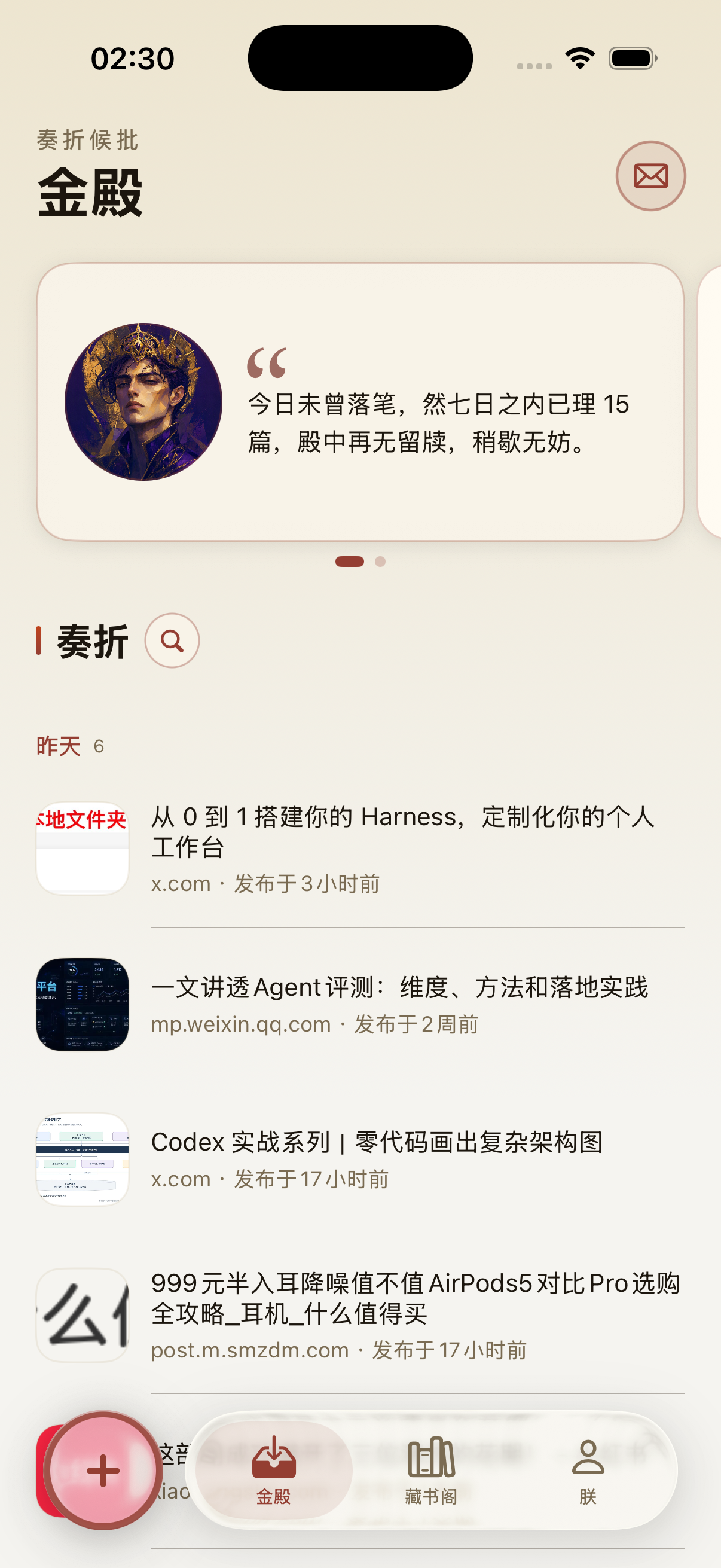
You do not have to organize an old backlog first. Bring in one recent item and work through it in four clear steps.
Paste a public link, use the iOS share sheet, or choose a local document so the next read is not scattered across apps and folders.
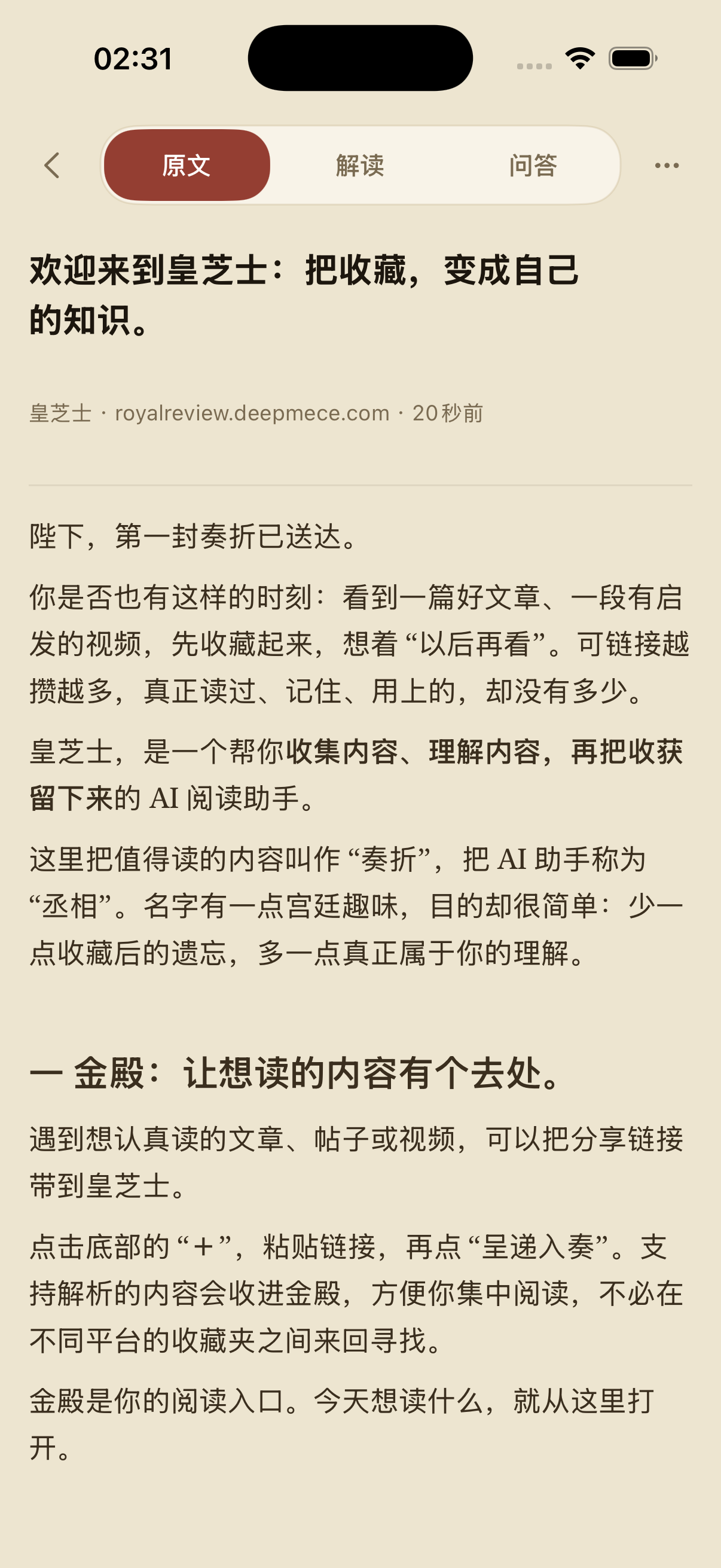
Begin with a summary, key points, and the shape of the argument, then spend your attention on the parts that matter to you.
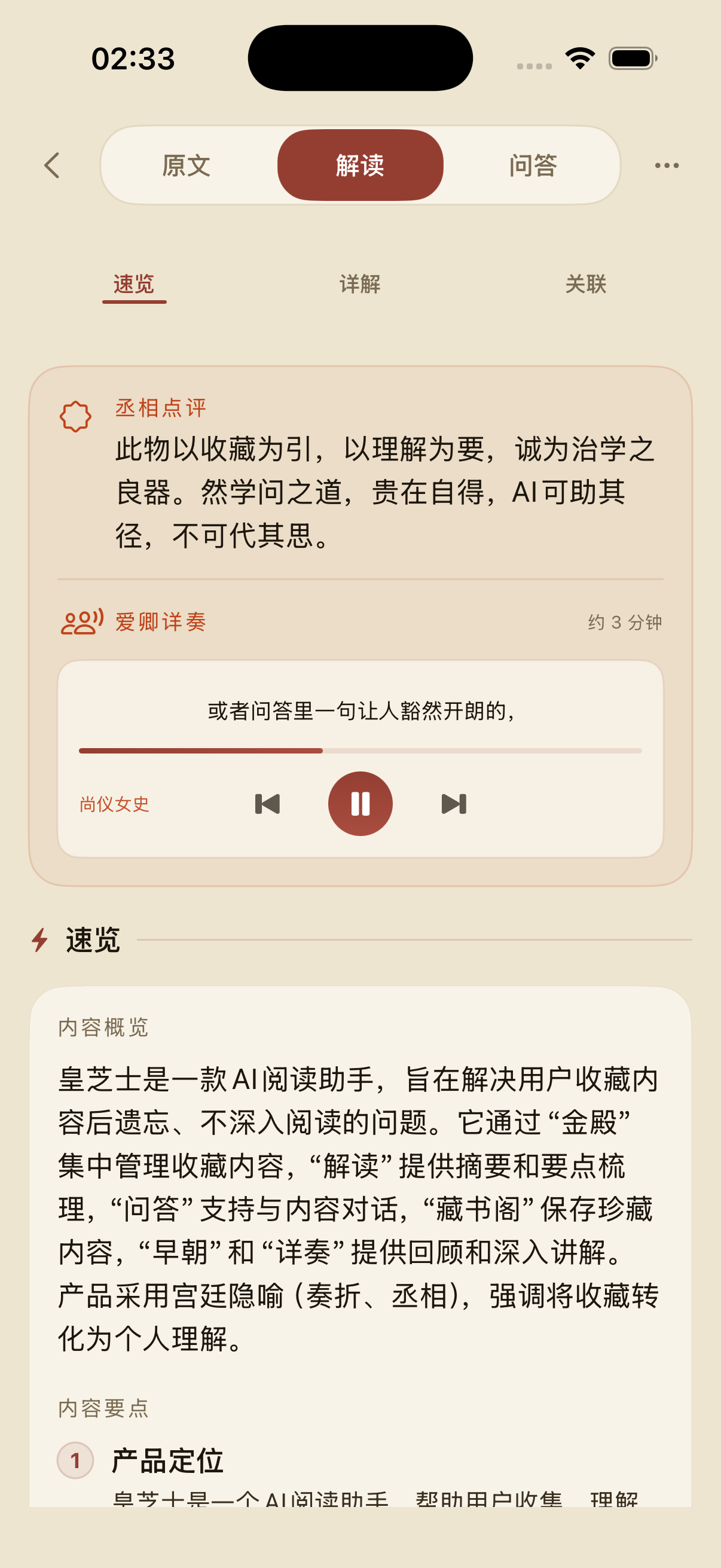
Ask about a difficult concept or follow an idea further. Questions stay grounded in the content you imported.
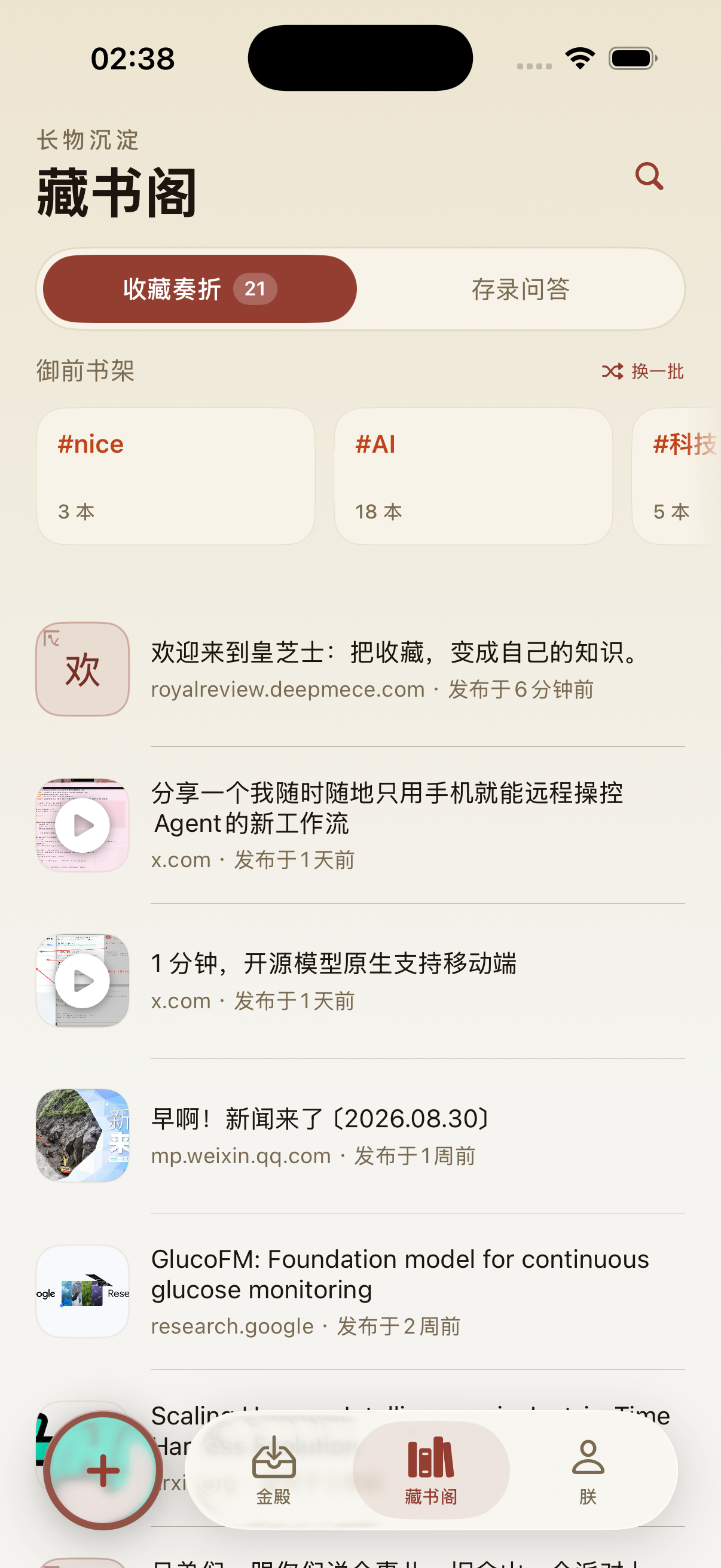
Save the items and answers that changed your understanding, so you have a useful path back instead of another forgotten bookmark.
What it does
The product screens above follow the Capture, Read, Ask, Keep journey. Here is what each part can do, along with the limits that matter.
Find the shape
AI can organize a summary, key points, and the content's structure. Use that overview to decide what deserves a closer read.
Return to the source
You can return to the original content for detail. Audio may be available after generation, depending on the item and available usage limits.
Follow the question
Ask about unfamiliar ideas or pursue a claim further. AI can misunderstand the source, so verify anything important against the original.
Build a return path
Saved items and selected answers live in your personal library, where tags and topics can help you return to them later.
Current support
What can be imported depends on the source and the file itself. These are the current boundaries.
Royal Review can import some publicly accessible articles, posts, and video links. Source structures differ, so results vary and some content may not import completely.
You can choose TXT, Markdown, Word, and text-based PDF files when you want to continue reading material you already have.
Multiple columns and mixed text-and-image layouts may not be preserved. Scanned PDFs are not treated like ordinary text-based PDFs.
Privacy and product limits
Royal Review uses cloud services to process and store content in your account. Its AI features use models provided in mainland China. The app is not fully offline, and AI output is not guaranteed to be correct.
Content updated · Royal Review 1.6
Frequently asked questions
Royal Review is an AI reading assistant for iPhone. Add something you want to read, get a concise overview, ask follow-up questions about it, and save useful content and answers for later. The app's Chinese name is 皇芝士; Royal Review is its English name.
You can import some publicly accessible articles, posts, and video links, or choose local TXT, Markdown, Word, and text-based PDF files. Results vary by source, and some content may not import completely.
Complex layouts such as multiple columns or mixed text and images may lose some formatting. Scanned PDFs are not handled like ordinary text-based PDFs, so their content may be unavailable or incomplete.
Yes. AI interpretations and answers can miss details or contain errors. Check important information against the original source, and do not treat the app as a substitute for professional judgment.
Yes. Royal Review uses a cloud account to process and store the content you import and save. You can delete your account in the app, and related data is handled according to the privacy policy.
Royal Review does not place your imported or saved content in a public feed for other users. Your content stays in your own account unless you choose to share something outside the app.
Availability varies by region. The app interface can switch between Simplified Chinese and English, and you can try importing English content. AI-generated results may still be in Chinese and vary with the content and model.
Royal Review is free to download from the App Store. AI features and generation may be subject to available usage limits; check the App Store and the app for current details.
Do not reorganize everything. Import one item, find the key points, ask one question of your own, and keep only what deserves a return visit.
Availability varies by region.